Rabbit Hole
Marei Hager
& Ellinor Gockel
About
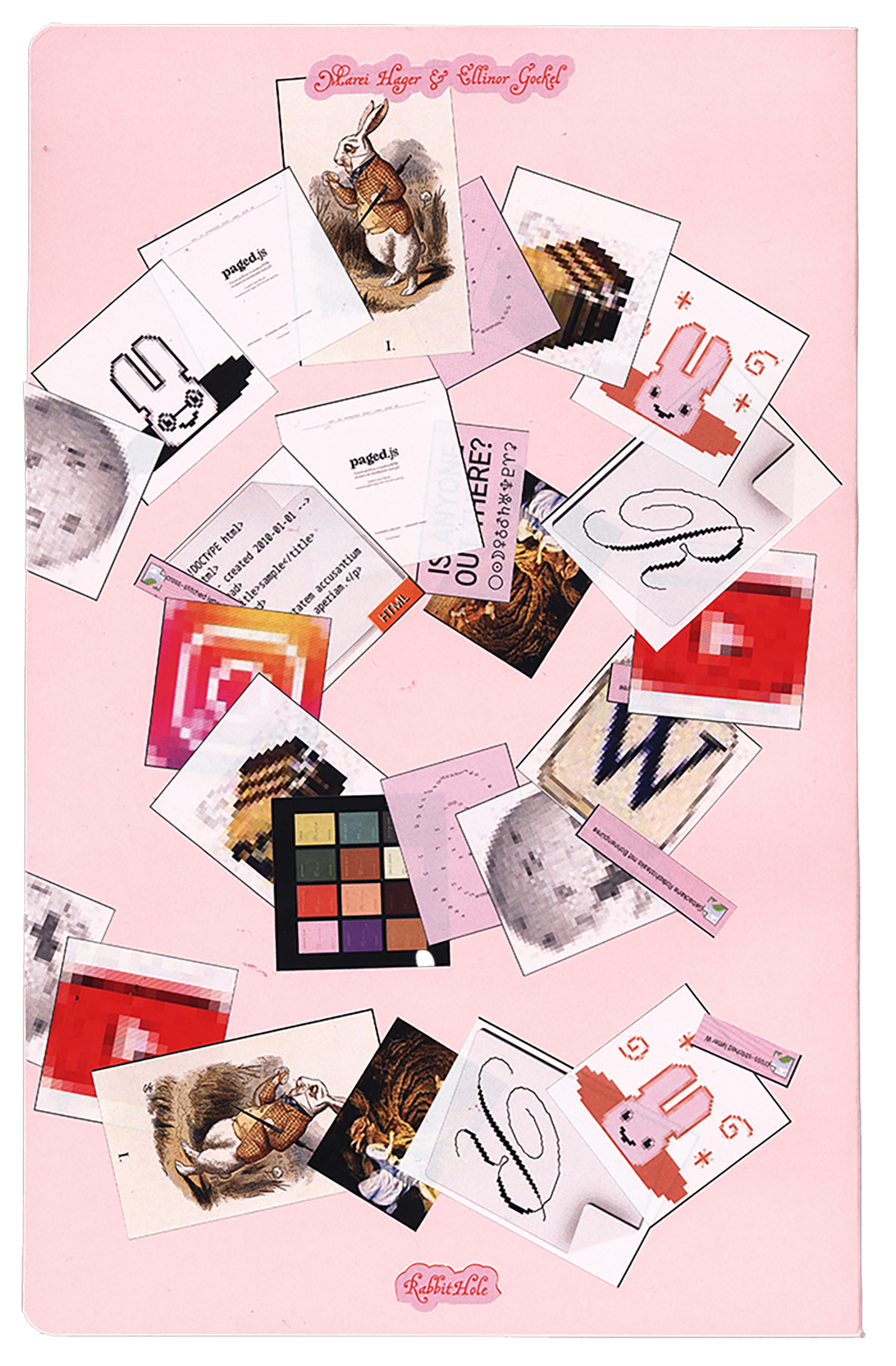
“Rabbit Hole” describes exactly what it is: a rabbit hole. With the help of a browser plug-in, users can record their personal rabbit hole with a click, save it as a PDF, and/or print it out directly. Content such as text, images, video thumbnails, GIFs, and emojis are automatically transferred to a document. Since we, as the designers of the tool, have no influence on the content, the design was made as universal as possible so that it works for any type of content.
Design Rules
- Image and text content are on separate pages.
- Image pages have a pink background.
- The title of a URL is in RYM font, subheadings in MalaTesta, and body text in Erika.
- The title of the respective URL also appears in the column title.
- The timestamp (date, hour, minute, and second) at which the respective website was visited is displayed at the inner edge of the page, rotated by 90°.
- Column titles, page numbers, and timestamps are set in red font.
- The text field of the body text is slightly indented to the right so that the distance to the right margin is greater than to the left.
Technical implementation
VS Code was used for the project.
- HTML, CSS, and JavaScript for design, basic structure, and functions
- Imposition.js and paged.polyfill.js to create a spread view and make the document printable
- manifest.json for creating the browser plug-in